



Spinogambino Mobile Platform
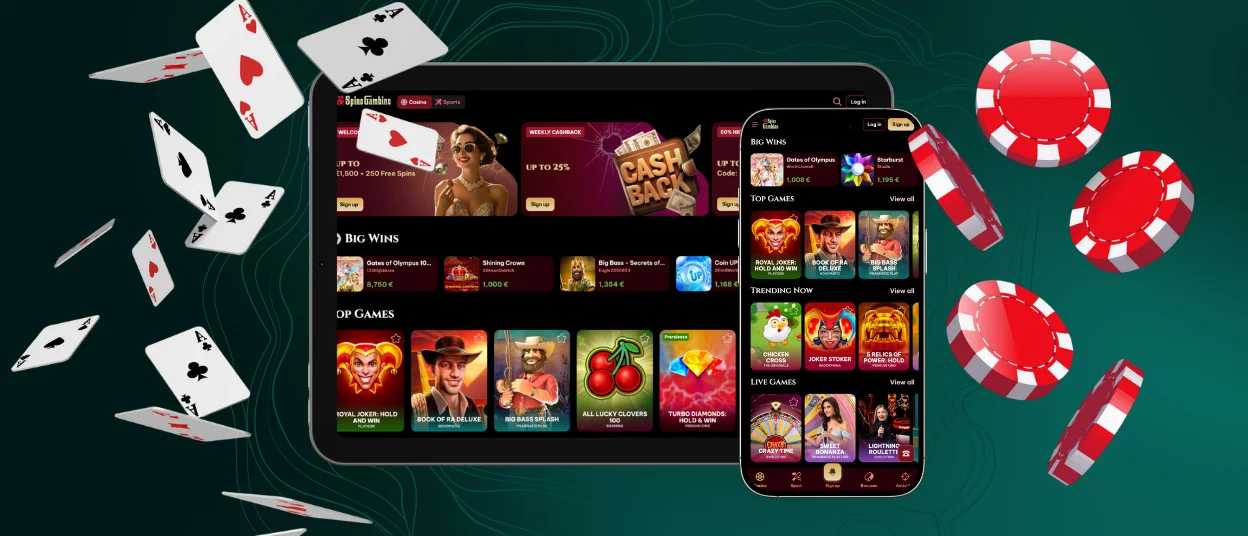
This is a seamless gaming experience on the go for those who are just getting started on the platform or who are planning to switch to the Spinogambino app, without the annoying pop-up notifications and issues that usually arise. The application takes up virtually no space on your device, and thanks to PWA technology, it downloads in just a moment. By porting all the features from the web version, you can take full advantage of the platform without restrictions, such as withdrawing funds and using bonuses. The application is available for download on iOS and Android devices, as well as on personal computers.



Advantages of the Spinogambino App
Switching from the browser version to the Spino Gambino app may seem complicated at first, but the application actually offers many advantages that, for some, may even be a reason to switch from the PC edition to the mobile one. We’ve put together a list of the main reasons why users choose our PWA:
| Feature | Description |
| Portability | The ability to play comfortably from anywhere in the world |
| Native full-screen mode | The ability to evaluate seamless transitions between sections and the level of detail in the titles |
| Push Notifications | Get immediate notifications on new bonuses and promos straight to your device so you never miss an offer |
| Faster Load Times | Performance-optimized so you can jump into your favorite titles without waiting through long loading screens |
| Compact and Lightweight | No bulky hardware required; the whole gaming experience fits neatly into your pocket |
How to Play Spino Gambino on iPhone & iPad
When you first visit Spinogambino Casino on your iPhone or iPad, everything looks very familiar. To install the app, you don’t need to go through the App Store or any third-party sources that could put your data at risk. You’ll have access to your personal profile, where you can view your bonus and deposit history, plus more.
The PWA installation is so smooth; it takes just a few taps to get started, without cluttering your device with unnecessary downloads. The interface adjusts automatically to your screen size, so it’s just as easy to move between games and sections as it is on the web version of Spinogambino Casino.
Step-by-Step iOS App Installation
To install the Spinogambino app on your iOS device, simply follow these easy steps:
- Go to our official website using any browser of your choice
- Find and tap the “Share” button
- Choose a name for the app and tap the “Add to Home Screen” button
- Wait for the app icon to appear on your home screen
Once it appears and you’ve quickly logged in, you’ll be able to access the application and start playing right away. If you encounter any difficulties during installation, you can contact the Spinogambino Casino support team via live chat or email.

Spinogambino from PC or Mac
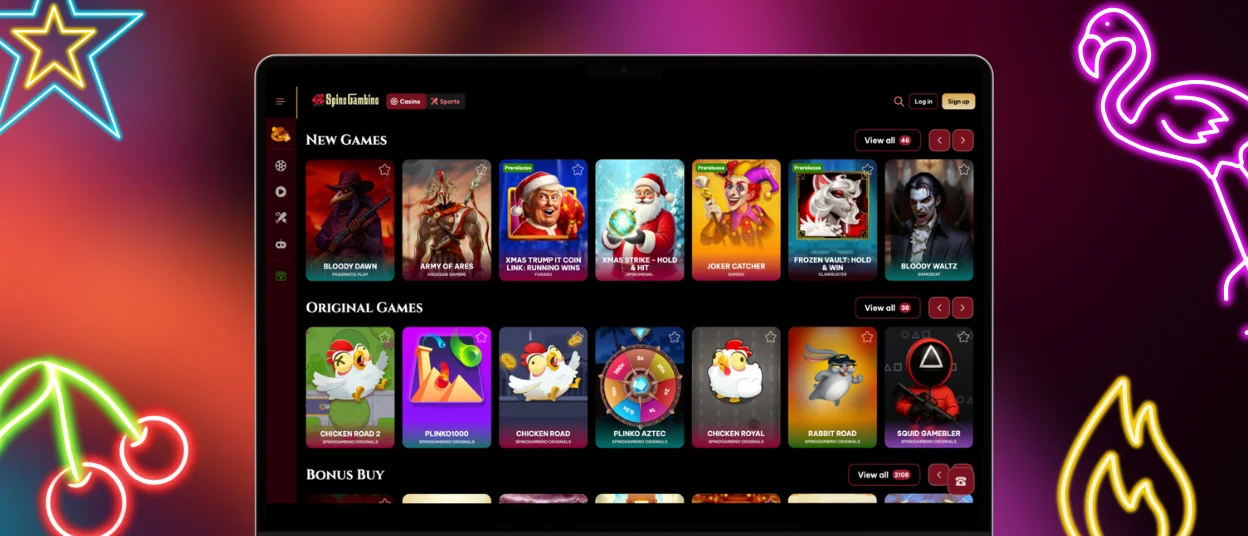
On macOS and Windows PCs, the Spinogambino app also transforms the gaming experience. Thanks to real-time push notifications, you’ll never miss a hot promotion that lets you multiply your winnings. And desktop access lets you skip long download times and typing URLs; just two clicks and you’re already in the game.
To install the Spino Gambino Casino app on your personal computer, simply go to the website and locate the button in the address bar. Then, after clicking it, confirm the installation, wait for the icon to appear on your desktop, and start playing.
Downloading and Using the App on Android
When you launch the Spinogambino app on your Android tablet or phone, you’ll immediately notice that it uses less battery power than the web version. You also don’t need to download the application from the Play Store. The buttons are optimized for small screens, allowing you to navigate between elements with ease.
All you need to do to download the app is visit our official website. Next, find the “Menu” button; tapping it will take you to the installation menu. After that, tap the “Add to Home Screen” button and choose a name for the Spinogambino Casino application; that’s it!
Security and Safety Features of the App
When it comes to security measures within the Spinogambino app, we use exactly the same methods as we do on the web version. The site is regularly monitored for DDoS attacks, and security measures such as temporarily blocking access to your account will prevent brute-force guessing from taking over your account.
Financial data is also protected by robust security measures at Spino Gambino Casino, thanks to modern technologies such as PCI DSS, which ensure that every transaction passes through an encrypted connection and cannot be intercepted.
FAQ
What is a progressive web app (PWA)?
A Progressive Web App is the format of our Spinogambino app, which makes the browser version of the application available as an icon on your desktop. But it’s also more optimized and offers many advantages.
Can I use the same account on the app and the website?
Your account is not tied to the specific way you choose to play at Spinogambino Casino. So changing between devices is a breeze, and it won’t be a problem.
How can I update the Spinogambino Casino application?
Updates to Spino Gambino, including the latest bonuses and new features, happen automatically. You don’t need to do anything or worry about it.


